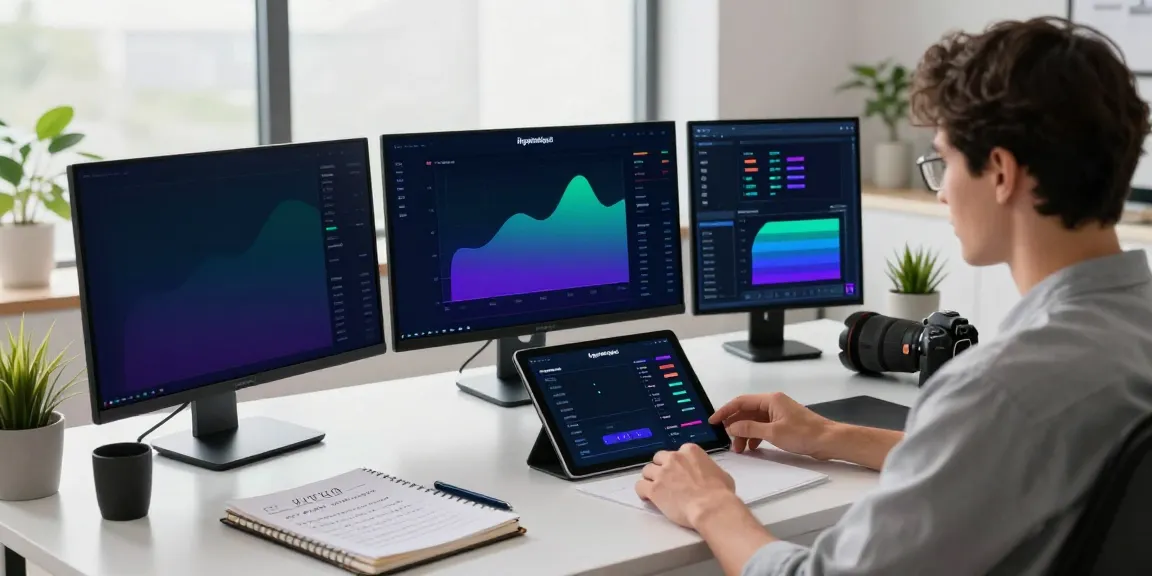

Understanding TradingView: A Comprehensive Overview
In the ever-evolving landscape of trading, platforms that integrate comprehensive tools and resources are critical for both novice and experienced traders. TradingView stands out as a powerful platform that caters to diverse trading needs, including stocks, forex, cryptocurrencies, and derivatives. By consolidating charting, analysis, and trading in one ecosystem, TradingView helps traders streamline their research process and enhances trading efficiency. This article will explore the key features, account setup, and advanced functionalities that make TradingView an essential tool for traders aiming to refine their strategies and improve outcomes.
What is TradingView and How Does it Work?
TradingView is a cloud-based platform designed for traders, investors, and financial enthusiasts to track market movements, analyze charts, and share ideas. It combines advanced charting tools with a vibrant community of traders, enabling users to create and publish technical analysis, share insights, and collaborate on trading strategies. With its user-friendly interface, TradingView allows for real-time data updates, making it an indispensable resource for making timely trading decisions.
Key Features of TradingView for Traders
TradingView offers a robust suite of features tailored for various trading styles:
- Multiple Chart Types: Users can choose from various chart types, including line, bar, and candlestick charts, allowing them to visualize market trends effectively.
- Technical Indicators: The platform supports a wide range of indicators, such as moving averages, RSI, and MACD, which help traders identify potential entry and exit points.
- Pine Script: TradingView’s programming language allows users to create custom indicators and strategies, enabling more personalized trading approaches.
- Social Networking: The community feature lets traders share ideas and strategies, providing valuable insights and fostering collaborative learning.
Benefits of Using TradingView for Market Analysis
The benefits of utilizing TradingView for market analysis are manifold:
- Consolidated Workflows: By bringing together charts, alerts, and analysis tools into a single workspace, TradingView reduces the need to toggle between different applications, making analysis more efficient.
- Real-Time Data: Access to up-to-the-minute market data ensures that users make informed decisions based on current conditions.
- Accessibility: The web-based platform is accessible on various devices, including desktops and mobile apps, enabling traders to maintain their workflow anywhere, anytime.
Setting Up Your TradingView Account Efficiently
Step-by-Step Guide to Create Your TradingView Account
Creating a TradingView account is straightforward:
- Visit the TradingView website and click on the "Join for Free" button.
- Provide your email address and create a password, or sign up using a social media account.
- Confirm your email address to activate your account.
- Log in to your account and explore the dashboard and features available.
Customizing Your Dashboard for Enhanced Experience
After creating your account, personalizing your TradingView dashboard can significantly enhance your experience:
- Layout Customization: Users can change how charts and tools are arranged to suit their workflow.
- Favorite Tools: Add frequently used indicators and tools to the favorites menu for quick access.
- Theme Selection: Choose between light and dark themes based on your visual preferences.
Integrating Accounts and Leveraging Third-Party Tools
TradingView allows integration with various brokerage accounts, facilitating seamless trading directly from the platform. This capability enhances convenience, enabling users to execute trades based on their chart analysis without needing to switch platforms. Additionally, various third-party tools can complement TradingView’s offerings, such as trading bots and portfolio trackers, which can be integrated for more advanced functionalities.
Mastering TradingView Charting Tools
Understanding Chart Types and Their Applications
TradingView supports various chart types, each suitable for different analytical approaches. For example:
- Candlestick Charts: Ideal for visualizing price movements, they provide detailed information on open, high, low, and close prices within a specified timeframe.
- Bar Charts: Similar to candlestick charts but more straightforward, displaying high, low, and close prices efficiently.
- Line Charts: Best for identifying trends over time, these charts provide a clear view of price movements without the complexity of candlesticks.
How to Use Technical Indicators Effectively
Utilizing technical indicators can significantly improve trading strategies. Users should understand how to apply indicators like the Relative Strength Index (RSI) or Moving Averages effectively:
- RSI: A momentum oscillator that helps identify overbought or oversold conditions, guiding entry and exit points.
- Moving Averages: Useful for smoothing price data to identify trends; a common strategy is to look for crossovers between short-term and long-term moving averages.
Creating Custom Scripts with Pine Script for Personalized Analysis
One of TradingView’s standout features is Pine Script, a scripting language that allows users to create custom indicators and strategies. Traders can automate their analyses by writing scripts that trigger alerts or execute trades based on predefined criteria, making their trading approach more efficient and tailored to personal strategies.
Developing Effective Trading Strategies within TradingView
Backtesting Strategies: A Step-by-Step Approach
Backtesting is crucial for validating the effectiveness of trading strategies. Here's how to backtest using TradingView:
- Navigate to the Strategy Tester within TradingView.
- Input your custom strategy or select an existing one.
- Set parameters like date ranges and asset types.
- Analyze the results, focusing on key metrics such as the win rate, drawdown, and profit factor.
Using Alerts for Timely Trade Execution
Alerts in TradingView can be set up to notify users of significant market movements. Traders can configure alerts based on specific price levels, chart patterns, or indicator conditions, ensuring they never miss an opportunity to act on favorable trading conditions.
Case Studies: Success Stories from Real Traders
Many traders have leveraged TradingView to enhance their trading outcomes. For instance, a day trader may share how using multiple time frame analysis helped them identify profitable trades consistently, ultimately leading to a significant increase in their portfolio value.
Future Trends in TradingView for 2026 and Beyond
Emerging Features and Enhancements on TradingView
As the trading landscape evolves, TradingView is expected to introduce new features that align with changing trader needs. Enhancements may include more advanced AI tools for predictive analysis, integration with additional data sources, and improved social trading capabilities.
Adapting to Market Changes Using TradingView
The flexibility of TradingView allows traders to adapt to market fluctuations. Features like real-time data feeds and customizable alerts make it easier to adjust strategies in response to sudden market changes, ultimately enhancing trading performance.
Staying Ahead: Insights from Industry Experts
Industry experts emphasize the importance of staying informed about new trading tools and strategies. Engaging with the TradingView community, attending webinars, and following market trends through the platform can help traders maintain a competitive edge in the marketplace.
Is TradingView Free to Use?
TradingView offers a free tier with substantial features, allowing users to access basic charting tools and community insights. However, for enhanced functionalities, such as multiple chart layouts and more indicators, upgrading to a paid plan may be necessary.
What Makes TradingView Stand Out Among Competitors?
TradingView’s emphasis on community, ease of use, and multi-faceted tool integration sets it apart from competitors. The combination of real-time data, robust charting capabilities, and social engagement creates a unique environment for traders.
How Can Beginners Get Started with TradingView?
Beginners should familiarize themselves with the platform by using demo accounts and exploring educational resources available on TradingView’s website. Engaging with community members and participating in discussions can also accelerate learning.
What Are the Common Mistakes to Avoid with TradingView?
Common pitfalls include neglecting to backtest strategies, failing to customize alerts to suit personal trading styles, and overlooking the vast educational resources available within the community.
How to Leverage TradingView Community for Insights?
The TradingView community is a valuable resource for gaining insights into market trends and trading strategies. Users can participate in discussions, follow experienced traders, and share their analyses, fostering a collaborative learning environment.